Change a script without touching it
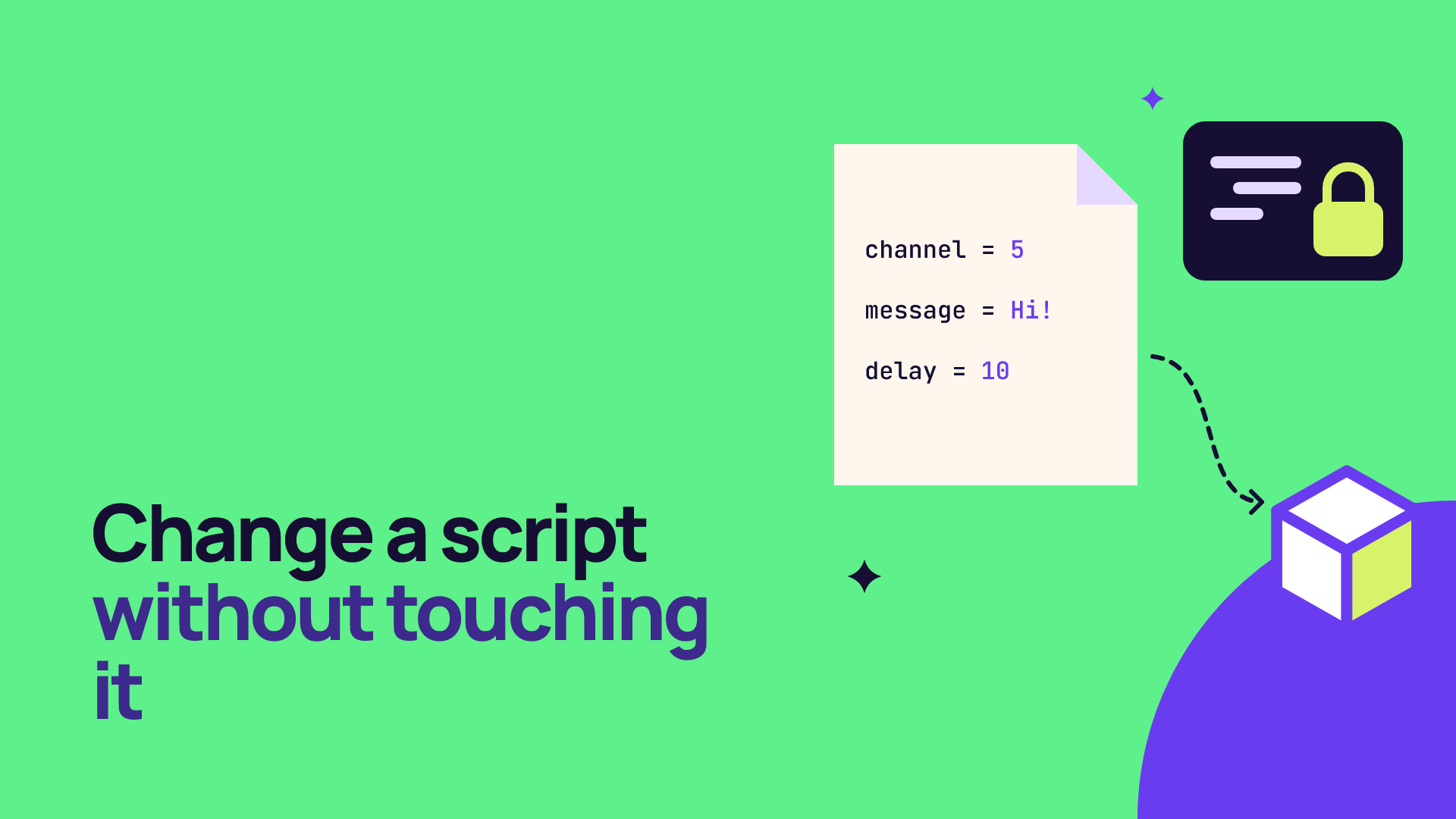
Notecard settings let you, or the people who buy your work, change channels, messages and timings by editing a notecard instead of the script. Here's how they work.

Alexander Pixels
August 11, 2026 · 3 min read
Say you've built a door. It opens for your group and closes after 10 seconds. A month later you want 20 seconds, and the door is in a friend's home on the other side of the grid. Or you sell the door, and a buyer wants it to open for their own group.
You could open the script and hunt for the number. Or the door could read its settings from a notecard, and anyone allowed to edit the notecard could change it in a few seconds.
What a settings notecard looks like
A notecard is a plain text note that sits in the object's contents, next to the script. A settings notecard holds one setting per line:
# Door settings
open_seconds = 20
access = group
sound = on
Lines starting with # are notes for people, and the script skips them. Everything else is a name, an equals sign and a value.
When the script starts, it reads the notecard line by line and uses what it finds. A well-made script also notices when the notecard is edited and reads it again, so a change takes effect as soon as you save the notecard.
Why it's worth asking for
You never open the script again. Small changes become a text edit anyone can make. No hunting through code, and no risk of breaking something that worked.
Buyers can adjust it without seeing your script. If you sell your work, you can keep the script no-modify so the code stays private, and leave the notecard editable. The buyer changes the channel or the welcome message, and your script stays closed.
One script, many setups. The same tip jar can thank people in English in one club and in Spanish in another. The same greeter can say a different welcome in every store. Only the notecard changes.
Good settings to move into a notecard
- Chat channels, so two copies don't talk over each other
- Names and messages, like a greeting or a thank-you line
- Times and distances: how long a door stays open, how far a greeter looks
- Who's allowed: the owner, the group or everyone
- Colors, sounds and textures someone may want to swap
Keep the core behavior in the script. A notecard is for the things someone might reasonably want to change, not for everything.
How to ask for one
When you describe your object, say which things should be settings. For example: "A greeter that welcomes new visitors by name. Put the welcome message, the range and the channel in a notecard so the owner can change them."
The reply tells you what to call the notecard and what to put in it. Make the notecard in-world, drop it into the object beside the script, and the script tells you when it has finished reading it. If you think of another setting later, ask for it to be added.