Selling scripted items: copy, modify and transfer explained
Before you put a scripted product up for sale, check what the next owner can do with it and with the script inside. Here's how permissions work, and the mistakes that cost sales.

Alexander Pixels
October 21, 2026 · 3 min read
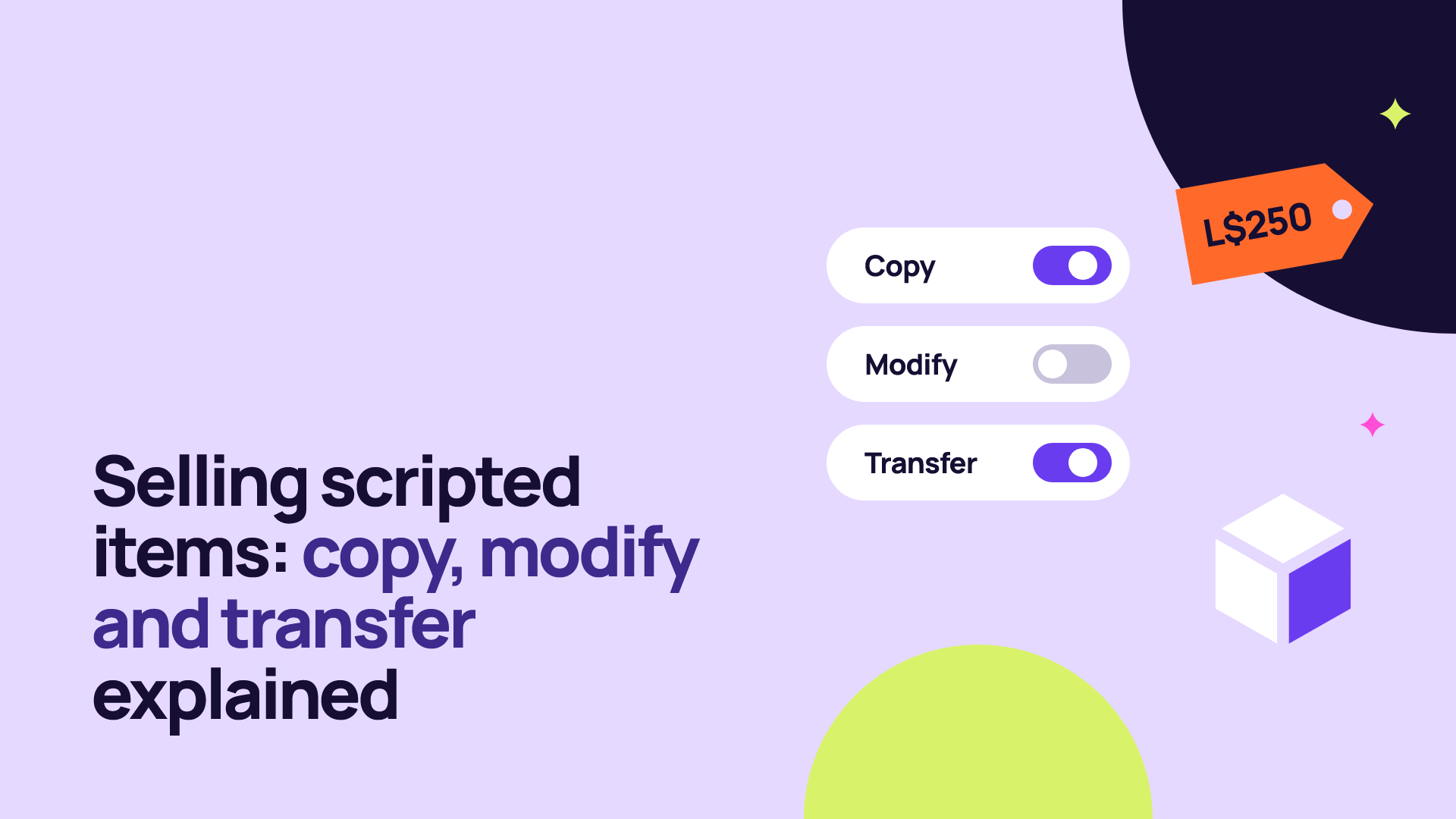
Every item in Second Life carries three permissions for whoever owns it next: copy, modify and transfer. They decide what a buyer can do with what they bought. A scripted product has two sets to get right: the object's, and the script's inside it.
The three permissions
Copy lets the owner make copies. A copyable chair can go in every room of a house, and if something goes wrong, the original is still in their inventory.
Modify lets the owner change it. On an object, that means resizing it, retexturing it or editing its contents. On a script, it means opening it and reading or changing the code.
Transfer lets the owner give it away or sell it on. A no-transfer item stays with whoever bought it.
You set the next owner's permissions in the Edit window, on the General tab, under "Next owner can", before you put the item up for sale.
How the script and the object affect each other
An object is only as transferable as the least transferable thing inside it. Put a no-transfer script in a full-permission object and the buyer can't give the object away. Copy works the same way. If a product won't copy for its buyer when you were sure you made it copyable, check the permissions of everything in its contents.
The script's own modify permission is the one that protects your work. A no-modify script runs normally, but the buyer can't open it. A modifiable script hands them the code.
Common choices
Copy, no transfer, and a no-modify script. The usual choice for furniture, decor and gadgets. Buyers can rez as many as they like, the script stays private, and the product can't be resold.
Modify on the object, no-modify on the script. Buyers can resize and retexture it to fit their place, while the script stays closed. Decorators look for this.
Transfer instead of copy. For gifts and limited editions. The buyer can pass it on, but there's only ever one.
Full permission. For selling to other creators, who will use your work in their own products. Price it to match, because you're selling the code itself.
Let buyers adjust without opening the script
The catch with a no-modify script is that nobody can change anything inside it. That's what settings notecards are for. Leave the notecard modifiable and the script closed, and the buyer can change the channel, the message or the timing without ever seeing your code. We wrote about how in Change a script without touching it.
Scripts from LSL Editor
The scripts we write for you are yours, and you can use them in anything you sell. You paste each one into a new script in-world, which makes you its creator there, so you set its permissions like any script of your own.
Every script starts with a short header naming you and its version number, so you can always tell which version went into which product.